
Copilot integration in windows
Scalablenotificationdesign system


How I took a menu with one item and feature and defended it transform into an entry point for a million Windows users.
- Duration
- 1 month
- Role
- Owner
- Users
- 1M WAU
- Status
- LIVE in Copilot

The Problem
M365 Copilot is installed in 3 digit million commercial devices.
The weekly active users (WAU) is a fraction of that and people chatting with Copilot is another fraction of this WAU.
These are all licensed folks, people/companies paying for the product but because the product comes preinstalled on these devices, it was easy to miss it’s presence; if we did not inform the user.
Notification were a solution but a very difficult one.
We designed a system to inform without interrupting.
The nature of notifications is like a poisoned well,
anything that resembles A notification will suffer because of it
Devices in Segment
0m
500M
Dormant Users
Taskbar unpinned
Background user only
Unauthenticated
Users in Scale
0m
500M
Existing users (using the app)
Existing users (NOT using the app)
Lapsed
New users (Copilot active)
Data shows the truth
I sized every segment before anything was designed, and ranked on reach multiplied by click-through rather than on reach alone.
Two scales are in play and it matters which one you are reading
1. The top group counts devices 2. The bottom group counts people
The system built
Segmentation
Users were sorted into six mutually exclusive states based on how they engaged with the app: new active, existing active (frequent), existing active (occasional), lapsed, dormant, and background-only.
Three kinds of message
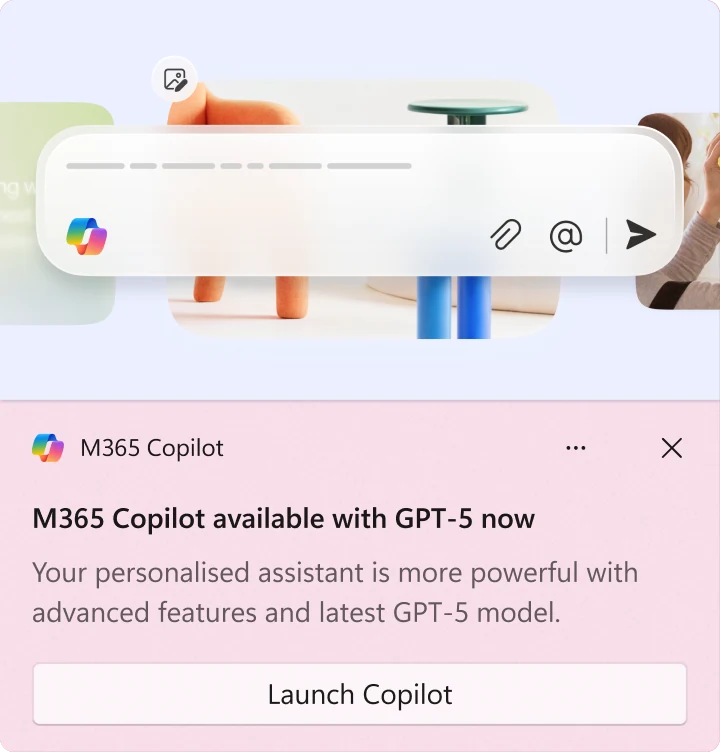
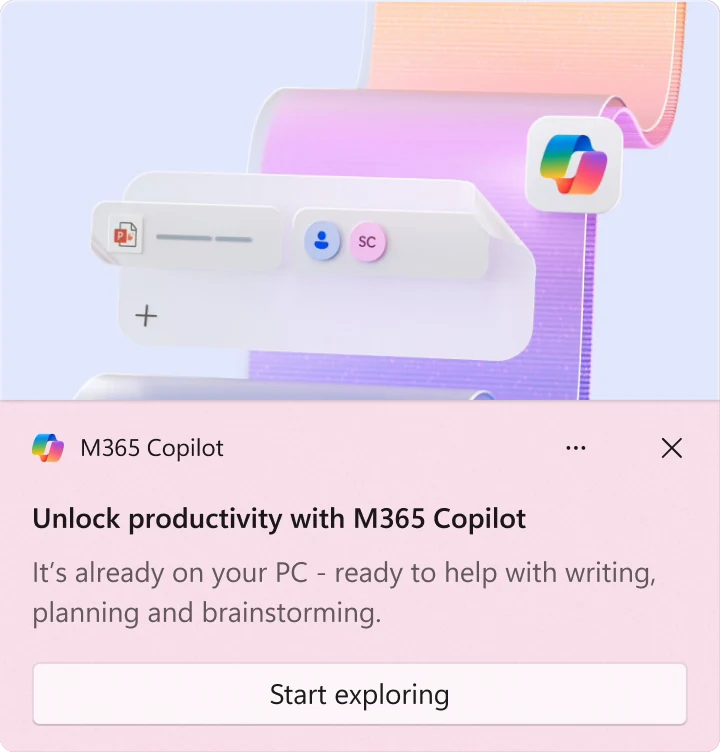
General notifications introduce the app and its top-level value. Module notifications introduce Search, Create, Notebooks and Agents. Native feature notifications introduce platform-specific capability such as Quick View and voice access.
No segment receives all three.
Notifications
Restraint is a feature
Restraint is a feature
The cycle for any promotional segment runs three notifications deep and then stops. What happens at each step is decided by how the user got rid of the notification before it.




refused


Achieved

A global cap for notifications
A global cap for notifications
We cannot have have too many notifications. The timings carry more of the design than the copy does. One rule holds the whole thing together. If a user completes sign-in between the trigger firing and the notification going out, the notification is pulled from the pipeline.
Trigger
App launched and closed before sign in completes


Continue setting up you account
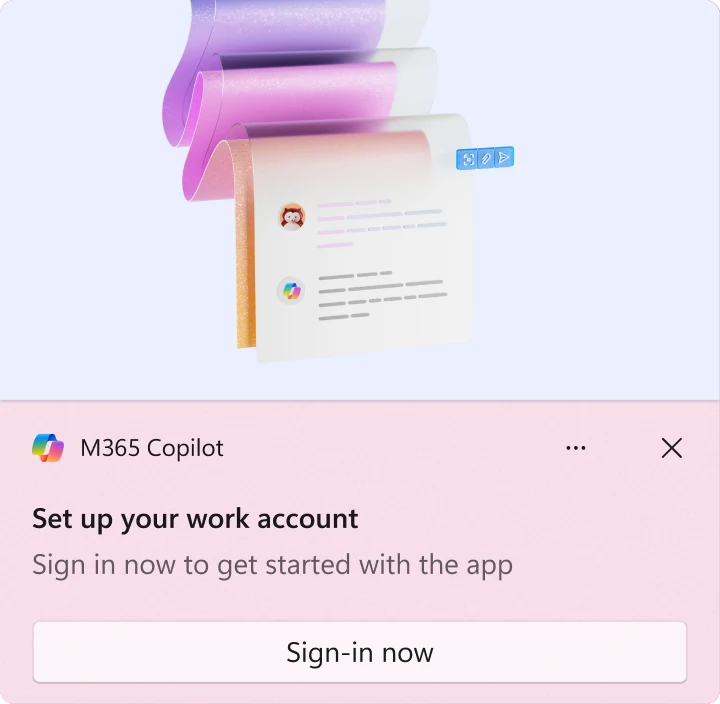
Sign-in now to get started on the app.
We noticed you didn’t finish signing in
Complete your login and unlock all features
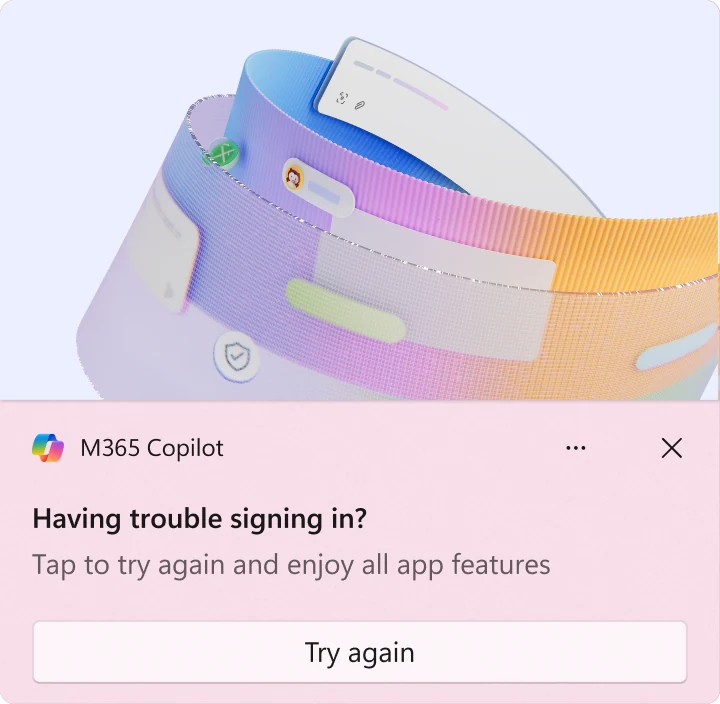
Having trouble signing in?
Tap to try again and enjoy all app features

a short break
then restate the benefit
intent is shown
but not acted upon
intent is live
error may have cleared
Anantomy of a notification
Summary toast anatomy, showing the minimum two-line and maximum four-line body states against a fixed header and action.
A notification system is mostly a suppression system.
Almost all the interesting design work sat in the caps, the cooldowns, the cancel-on-transition rule and the settings we agreed to honour. Everything that makes a notification good is a decision about when not to send one.