
Copilot Desktop App
Error 404worth finding


How one screen that showed 20 million people a correlation ID became twenty-four that tell them what to do.
- Duration
- 1 month
- Role
- Owner
- Users
- 1M WAU
- Status
- LIVE in Copilot

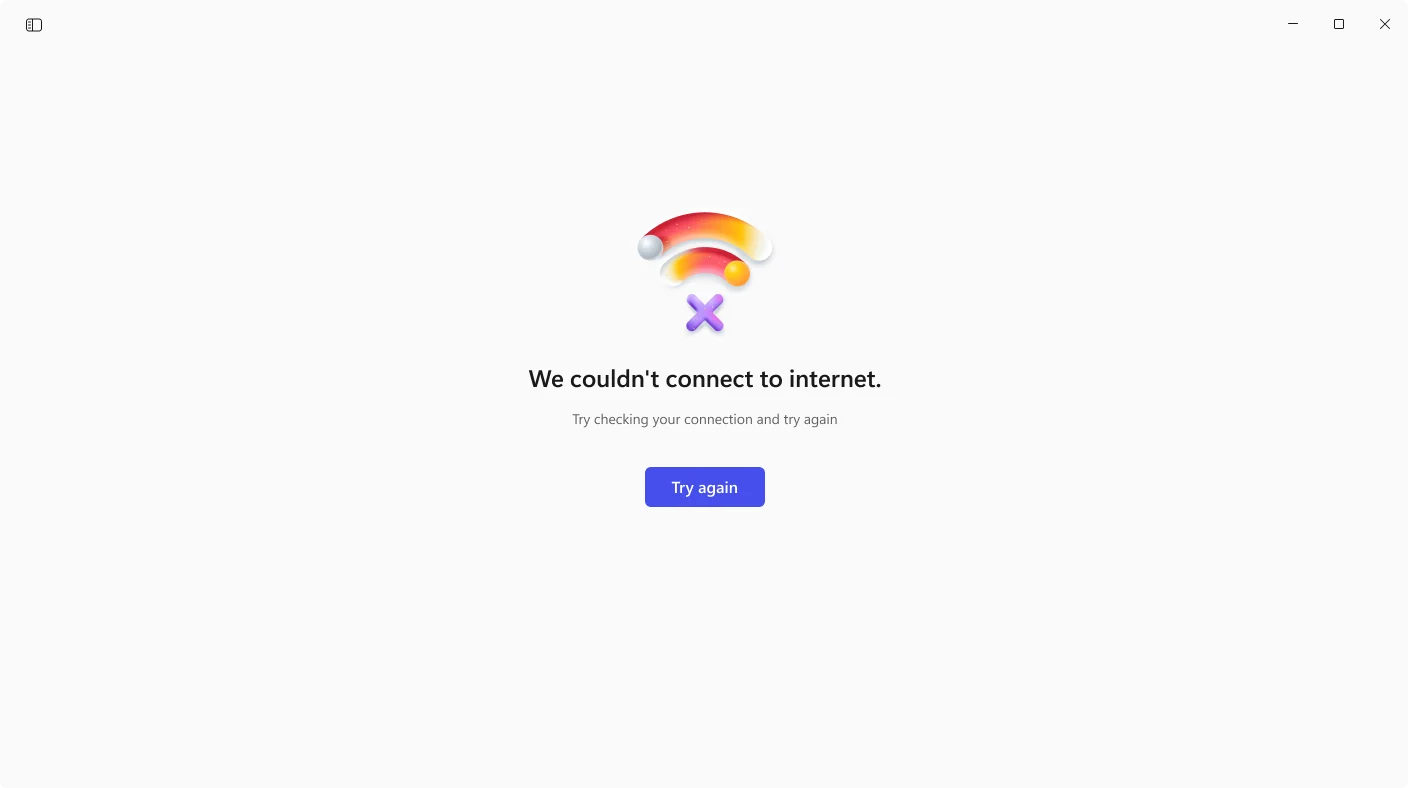
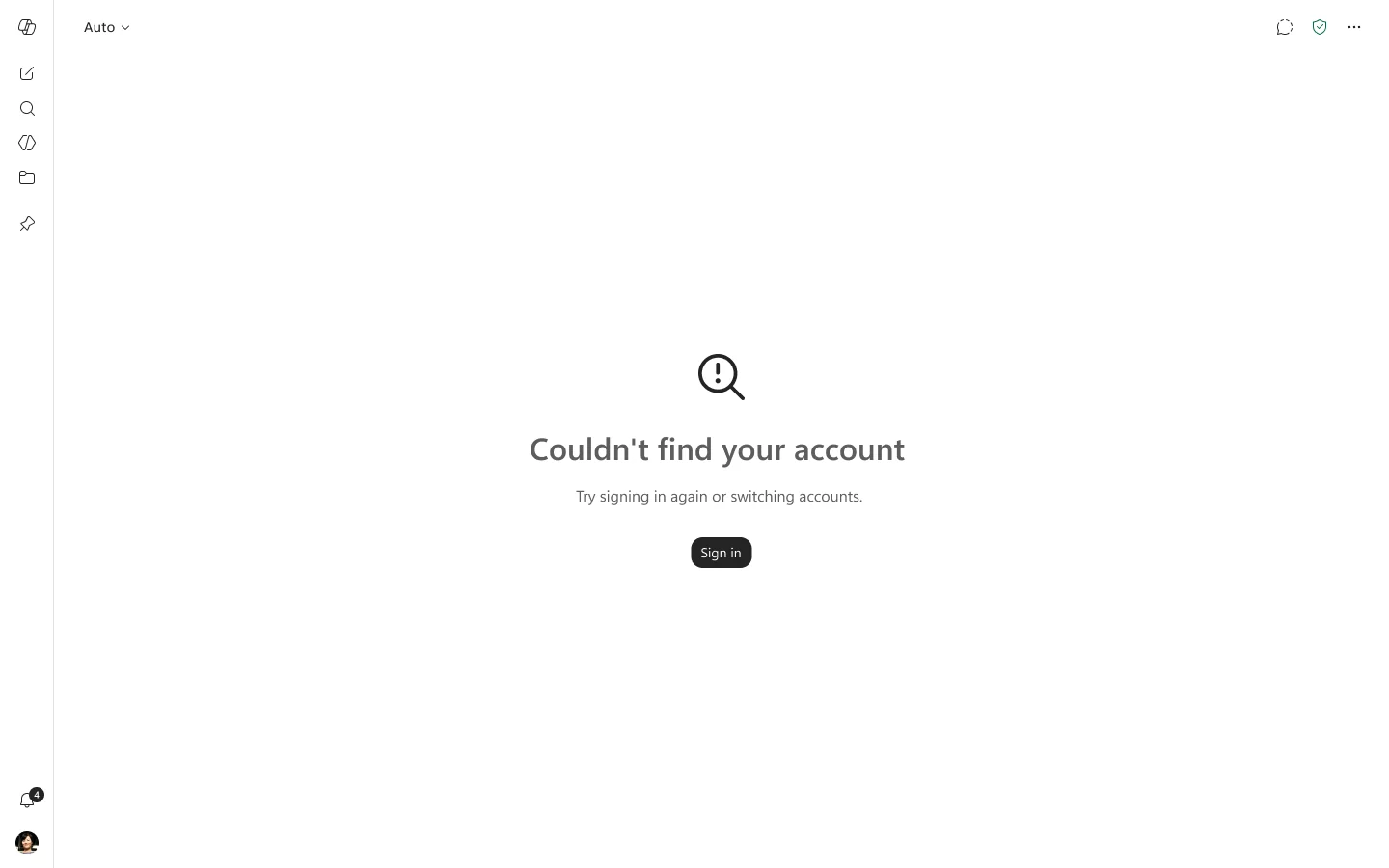
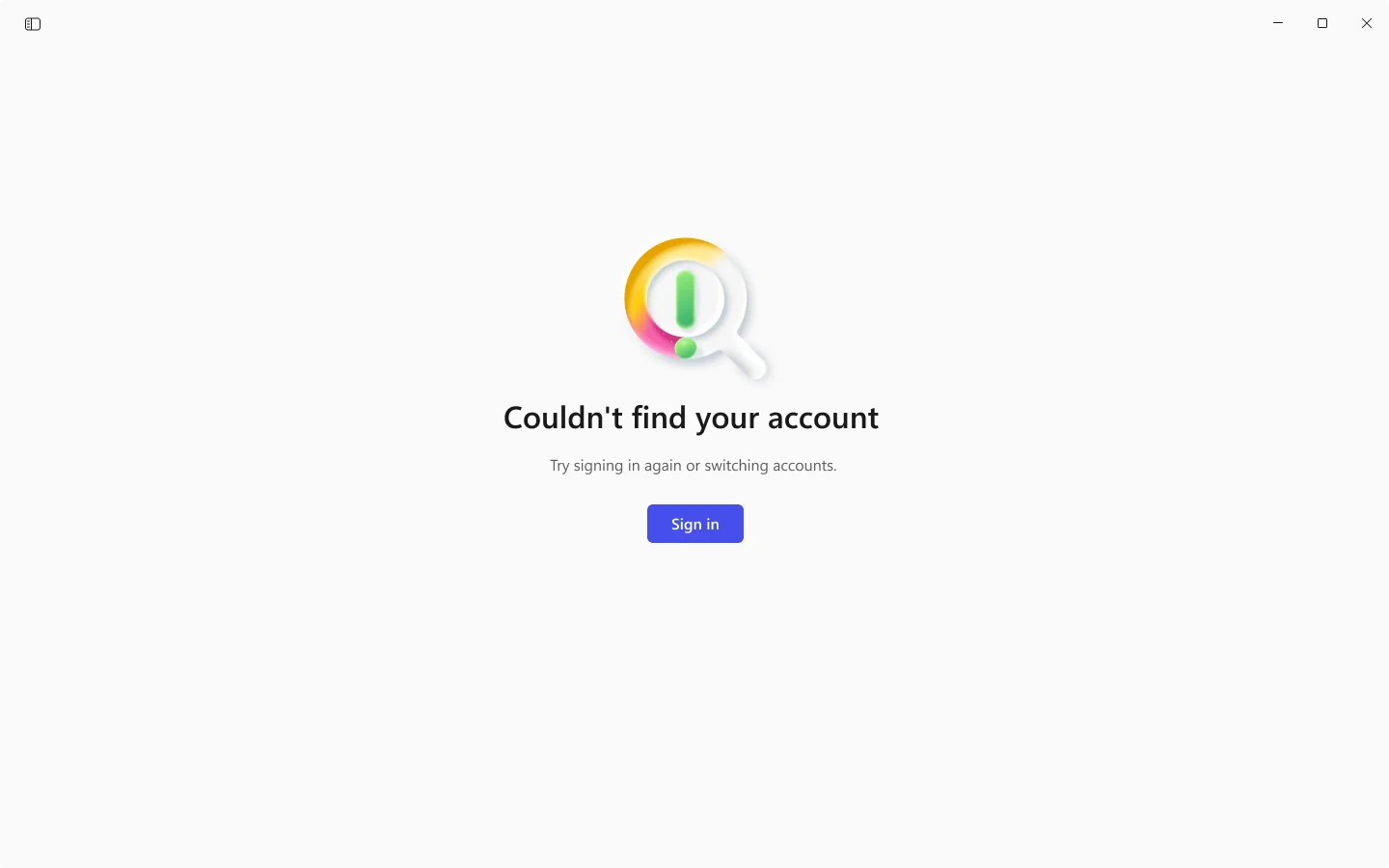
Twenty-four failures, one screen
Every failure in the app landed on the same page.
Same words, same button, same apology.
Whether the certificate had expired, the wifi was off, or the account couldn't be found.
The Problem
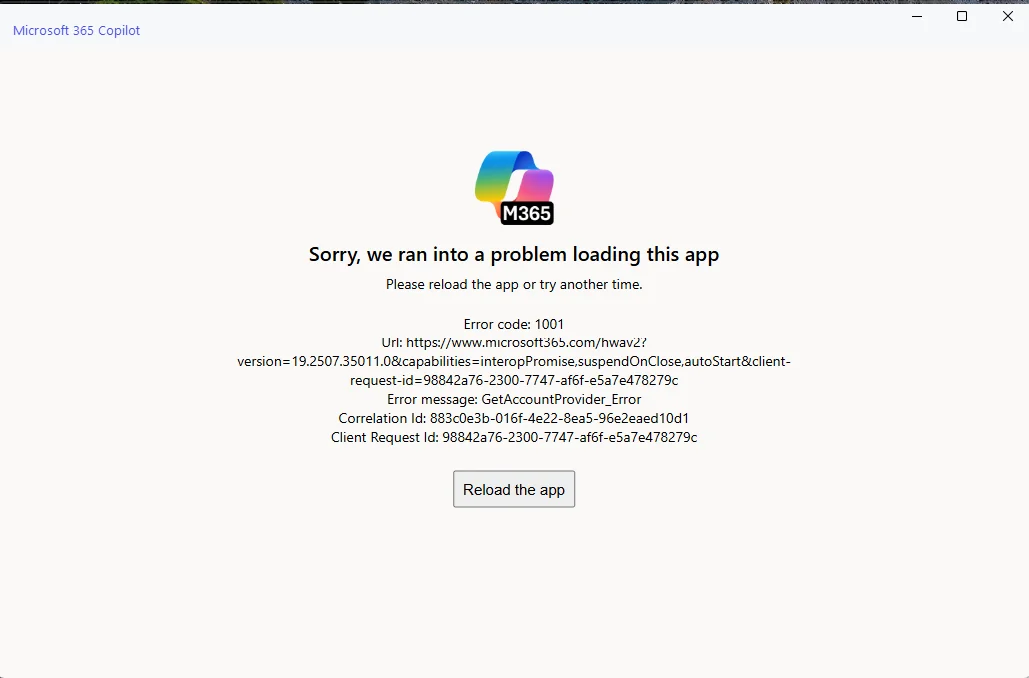
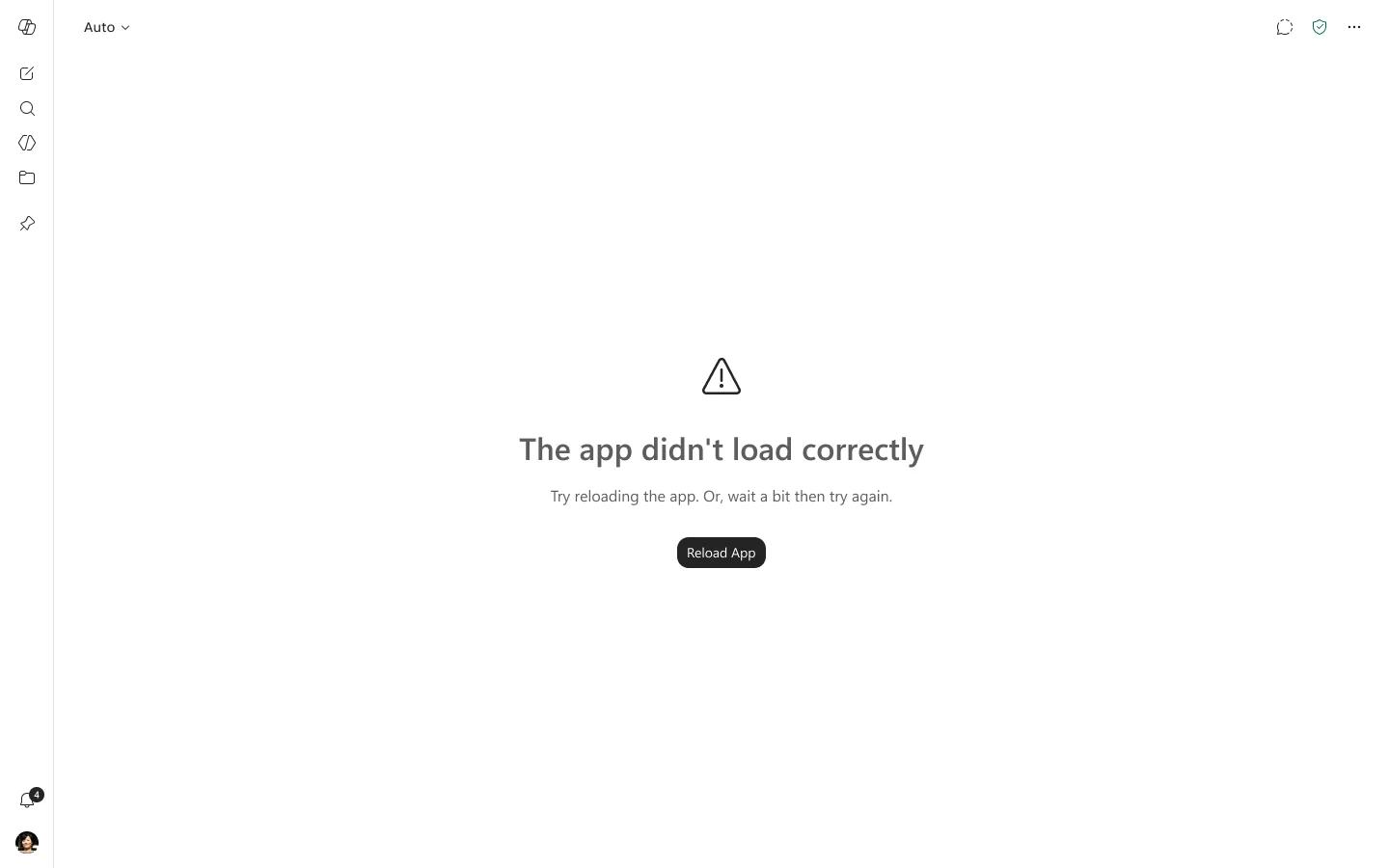
One error page served every failure in the M365 Copilot Windows app.
It apologised, then printed an error code, a navigation URL, an internal error string, a correlation id, and the client request id twice.
None of it told the person what had gone wrong. None of it told them what to do next.
Reload the app was offered identically to everyone, including the half whose internet was down.
The logo sat directly above it, so the brand mark became the face of the failure.
Fixing the information architecture
Two codes carried three quarters of it
20.7 million error sessions in one week.
An empty auth token was 52%.
No internet was 23%.
Reload the app could fix neither.
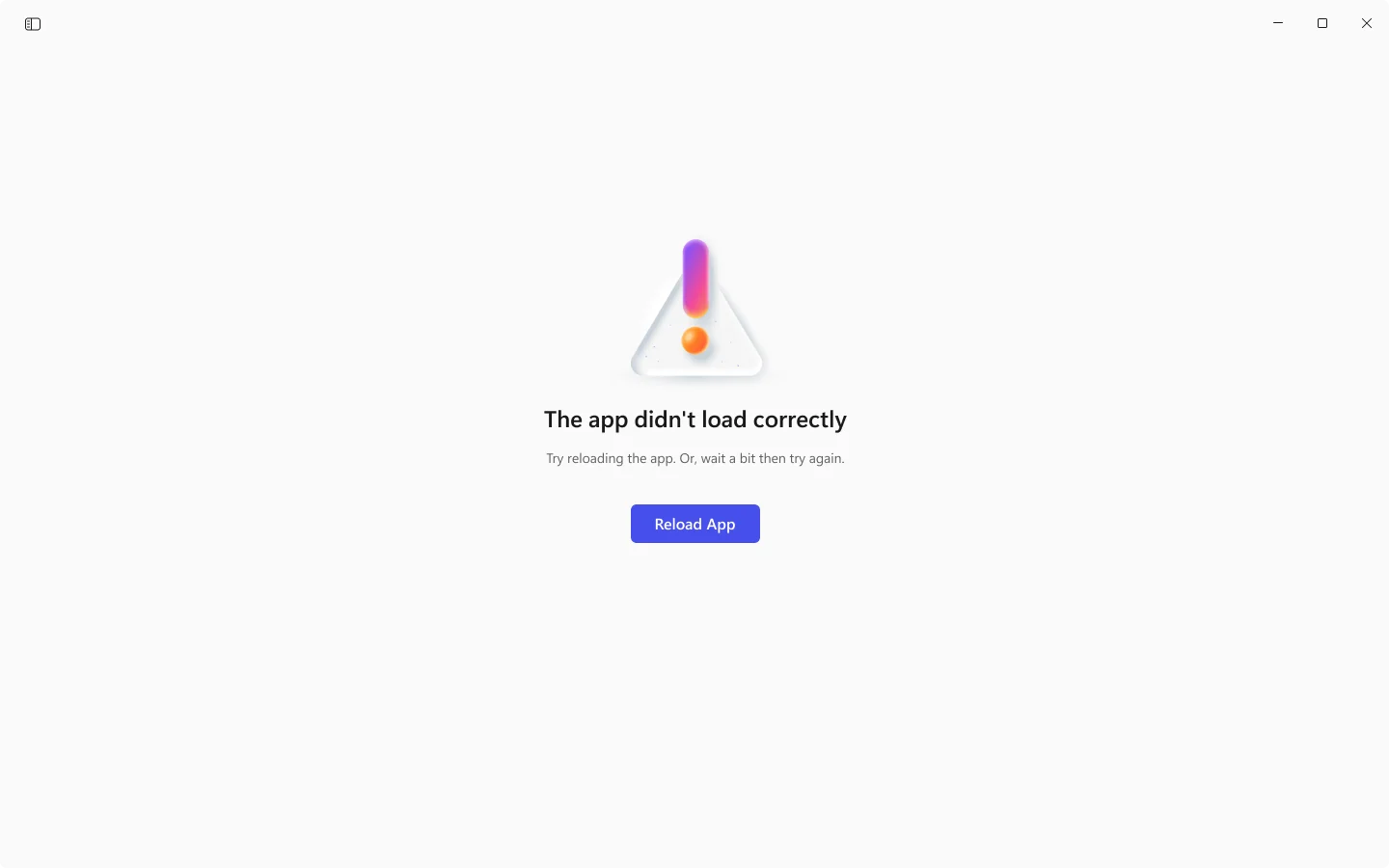
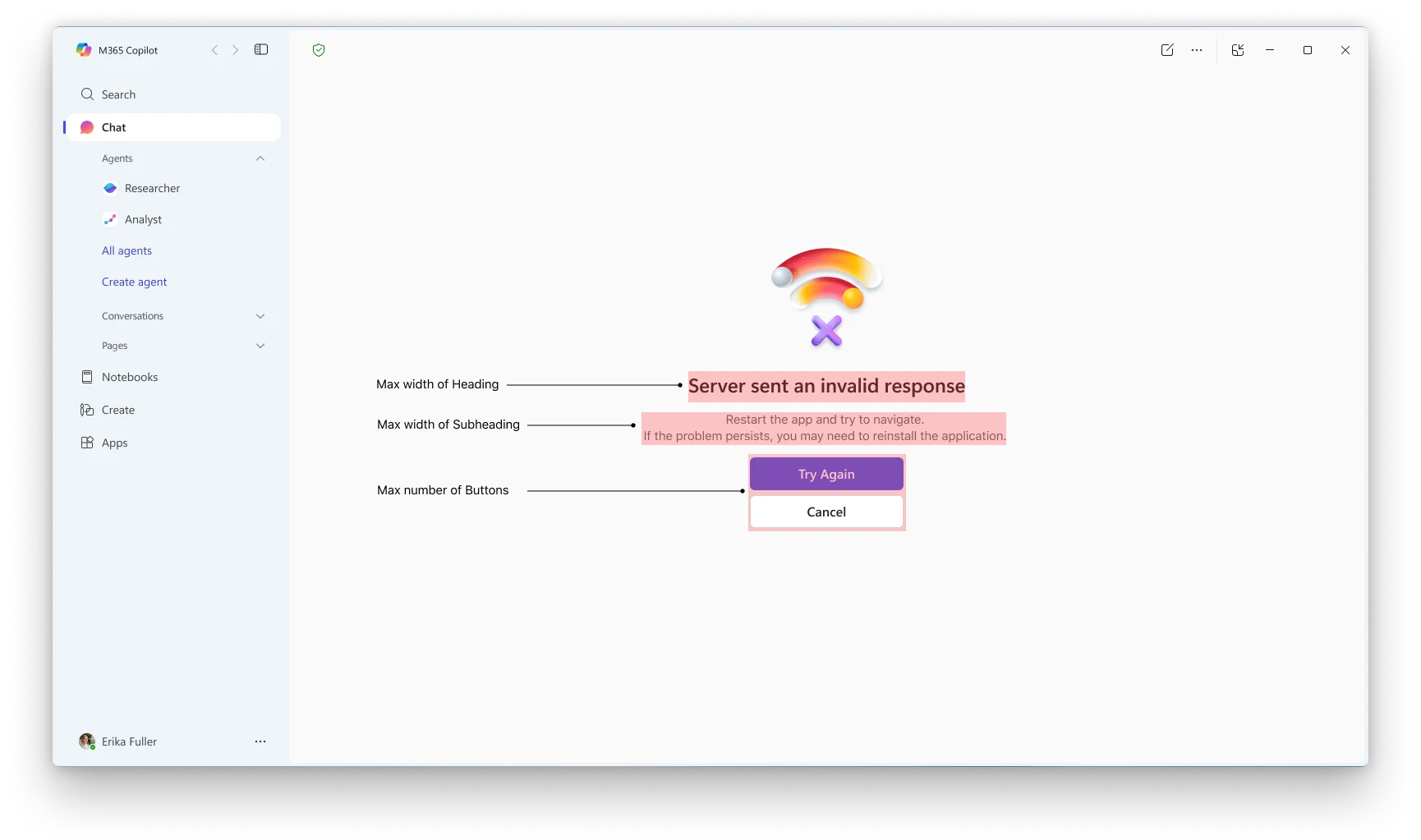
Anatomy of the new error screen
Copilot was going through an overhaul at this time
The unified Copilot app was on the horizon, so the new visual language had to be built in rather than retrofitted. Here's how we did it.
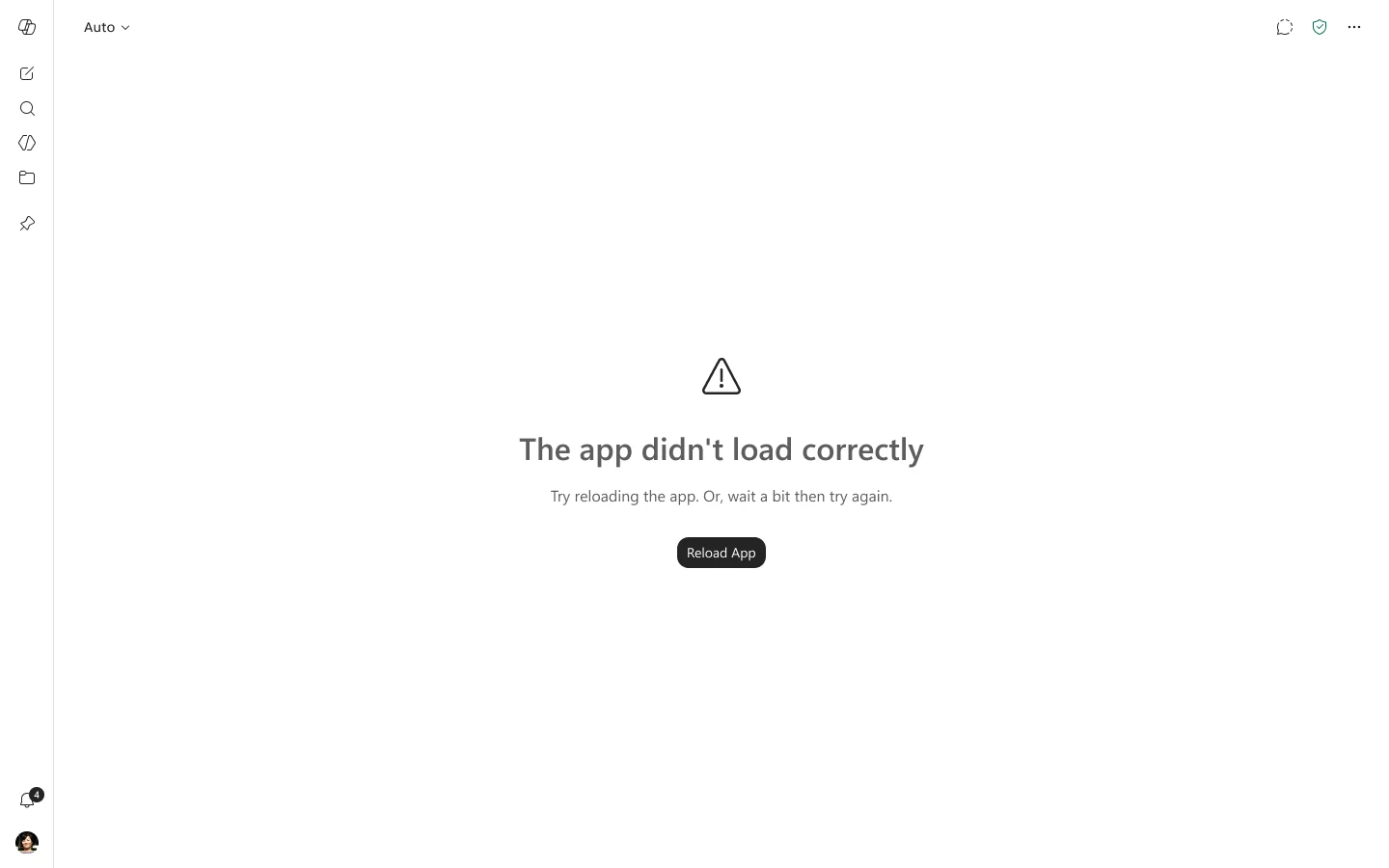
Adapting the error screens to the unified Copilot app
Learnings
A single call to action is a claim, not a neutral default.
Diagnostics belong in telemetry, not on the screen. Everything we removed was already being logged.
A brand mark should not stand on top of a failure.